Platform Overview
Ting Reader is a lightweight self-hosted audiobook platform, built for audiobook enthusiasts. It supports automatic metadata scraping, multi-device progress sync, and provides an ultimate visual experience.
📱 Interface Preview
This shows the main interface preview and feature layout of Ting Reader on mobile.

User Login
Supports a multi-user independent account system, ensuring personal data isolation
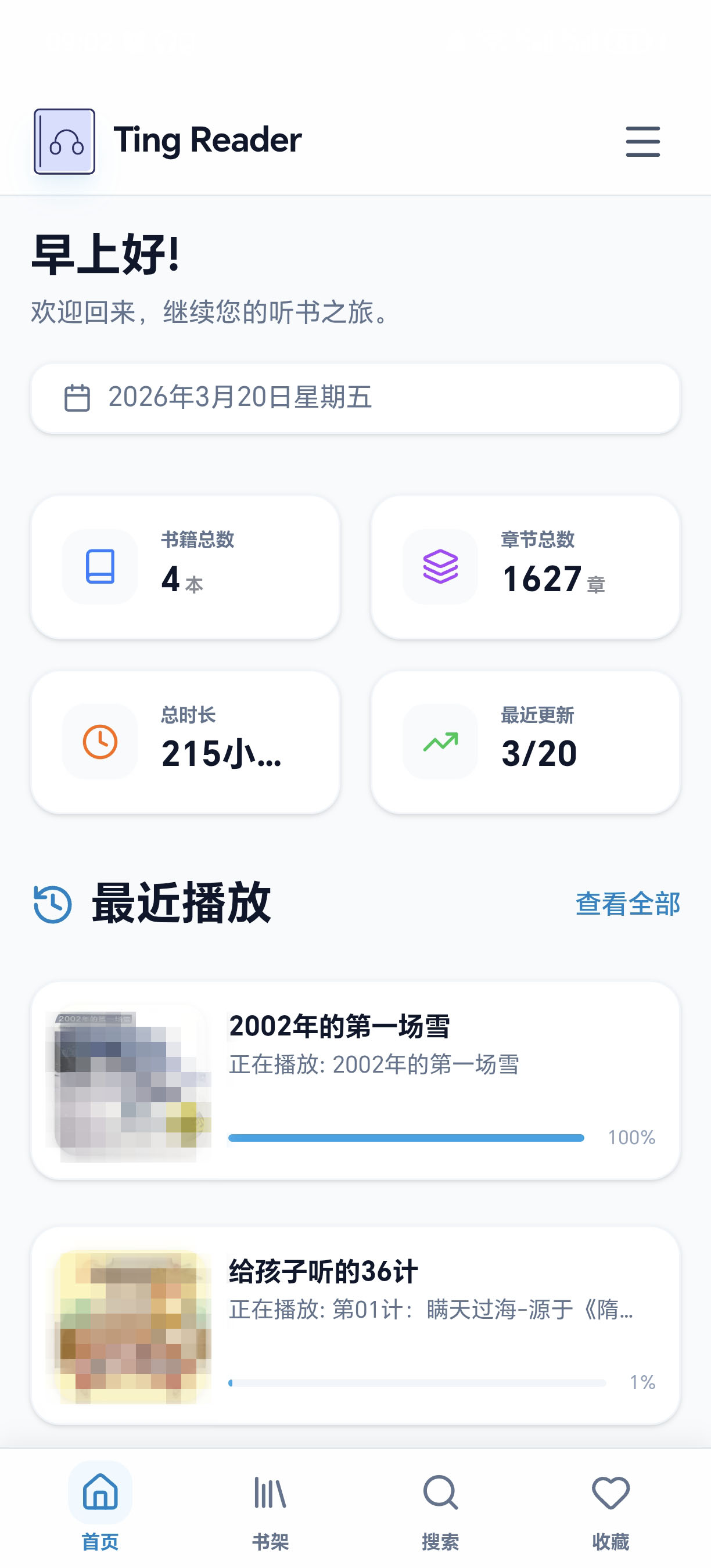
Home
Aggregated display of recently played and platform data
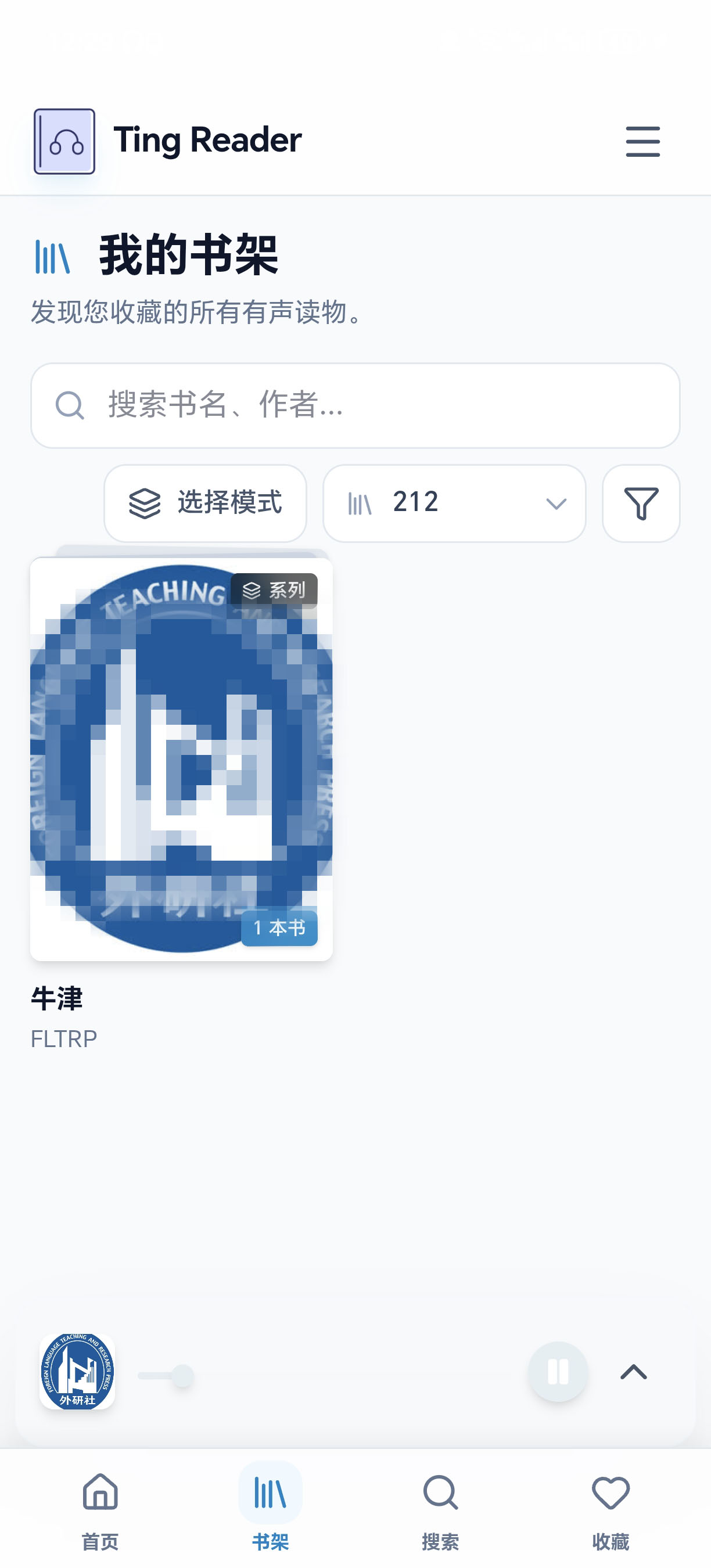
Bookshelf
Grid display of the library, supports tag filtering and multi-dimensional sorting
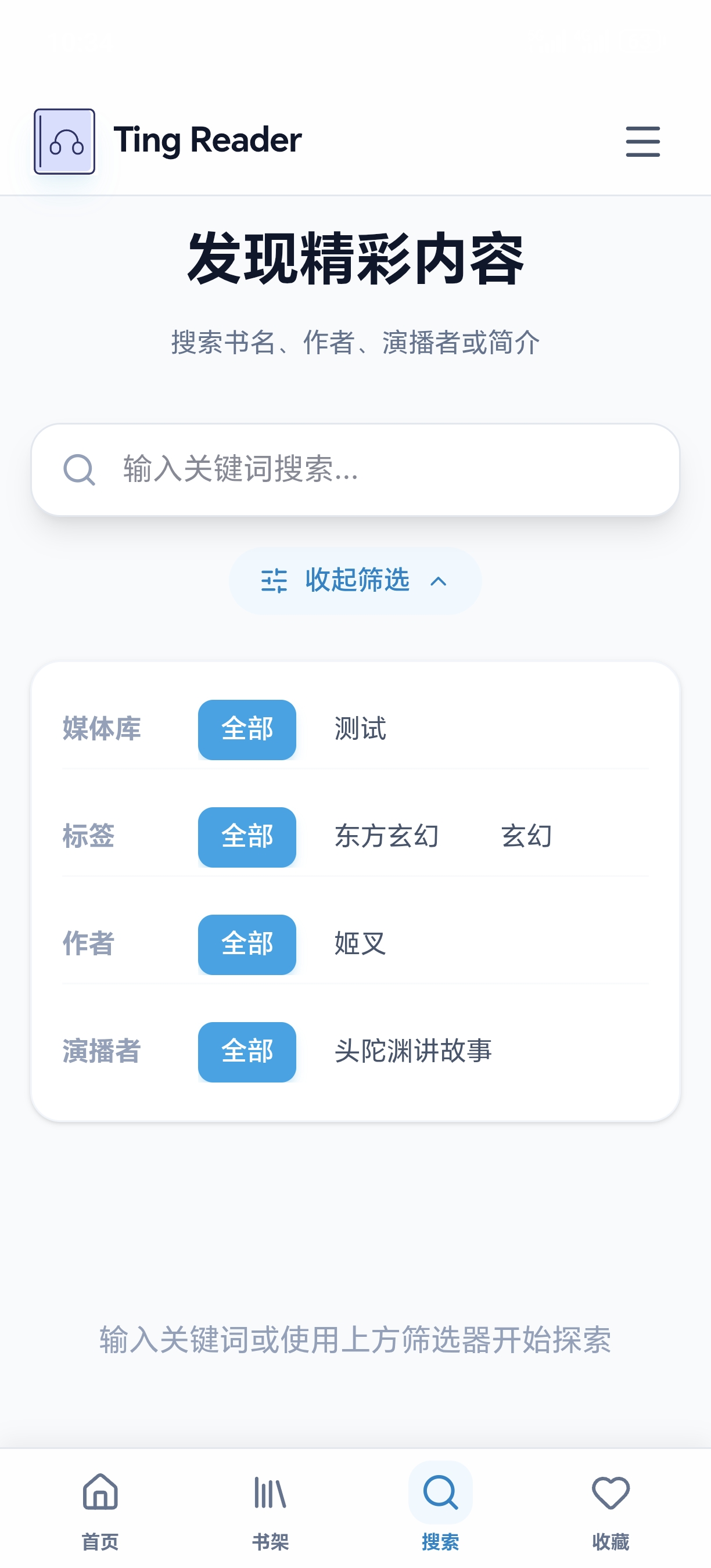
Search
Supports quick search by library, title, author, narrator and other keywords
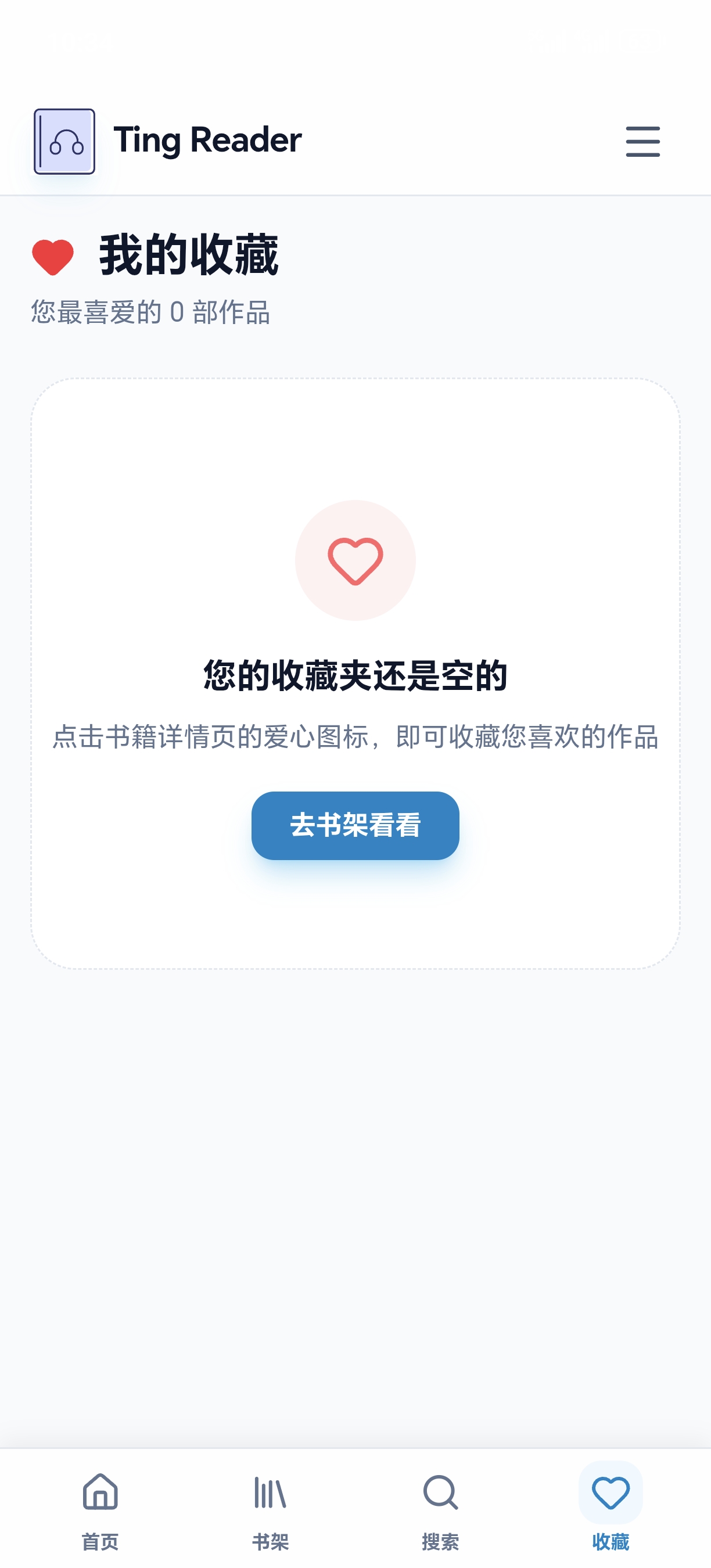
Favorites
Unified management of personal favorite books, auto-synced across devices
✨ Core Features
📚 Automatic Scraping
Integrates audiobook metadata scraping, automatically fetching title, author, narrator, synopsis and tags.
🎨 Adaptive Theme
Automatically extracts the main color from the book cover and adjusts UI colors in real time for an ultimate immersive visual experience.
🧩 Plugin Extension
A powerful plugin system that supports installing third-party scrapers and audio format decoders to infinitely extend platform capabilities.
☁️ Multi-source Support
Supports WebDAV (such as Alist, PikPak) remote storage and local directory mounting.
🎵 Full Format Compatibility
Supports MP3, M4A, M4B, FLAC and other mainstream formats.
📖 Usage Guide
1. Add a Library
Ting Reader supports multiple storage methods. Go to "Admin Dashboard" - "Library Management" and click the add button to configure. For local Docker deployment, make sure you have correctly mapped the host directory.
- A
Local Directory (Local)
Suitable for paths mounted directly in the container (such as
/app/storage). Ideal for NAS local storage. - B
WebDAV Remote Storage
Supports connecting to Alist, PikPak or other WebDAV services, allowing direct streaming playback of cloud resources without downloading.
2. Scan & Scrape
The system has a built-in smart scanning engine. After adding a library, click the "Scan" button on the right, and the background will automatically execute file discovery and metadata matching tasks.
Automated Workflow
* You can view the scraping progress and matching results in real time on the "Task Logs" page.
3. Edit Book Metadata
If the automatic scraping results are inaccurate, or you want to customize book information, you can click the edit button on the book details page to modify it. Supports modifying the title, author, synopsis, uploading a custom cover, or re-searching and matching by keywords.
Metadata Editing
Supports modifying the title, author, narrator and synopsis information to make book information more accurate.
Re-match
Enter new keywords to re-search scraping sources, resolving auto-matching errors.
4. User Management
Ting Reader supports a multi-user system, suitable for family or small team use. Administrators can create and manage multiple independent accounts.
Data Isolation
Each user's playback progress, favorites list, and preference settings are completely independent and do not interfere with each other.
Permission Control
Only administrators (admin) have permissions for system settings, library management and user management; regular users focus solely on the listening experience.
5. Plugin Management
By installing plugins, you can extend the functionality of Ting Reader, such as supporting more audio formats or scraping metadata from more sources.
Format Support
After installing specific format plugins, the system will be able to recognize and directly play the corresponding special format files without manual transcoding.
Metadata Scraping
Install scraping plugins (such as audiobook scrapers) to make your audiobook library information more complete and covers more refined.